
Stitch Troubleshooter: Powerful Sewing Machine Fixes
A sewing machine can make a project feel simple until the thread starts bunching, the needle keeps breaking, or the fabric refuses to move. When something suddenly goes wrong, it can be tempting to turn every dial, replace several parts, or start taking the machine apart.
Before doing that, take a breath and start with the basics.
Stitch Troubleshooter is here to help you understand common sewing machine problems and find practical ways to troubleshoot them. Whether you are a beginner learning to sew, an experienced home sewer, a quilter, or someone who simply wants to repair clothing and household fabrics, our guides are designed to make sewing machine problems easier to understand.
From thread tension and bobbin problems to skipped stitches, broken needles, fabric feeding issues, cleaning, and routine maintenance, Stitch Troubleshooter focuses on the problems that sewers commonly encounter.
The goal is simple: help you identify what may be causing the problem, explain what you can safely check, and show you when it is better to stop and consult your sewing machine manual or a qualified technician.
How Stitch Troubleshooter Helps With Sewing Machine Problems
Sewing machine problems do not always have one obvious cause. A thread that keeps breaking could be related to the needle, threading path, thread itself, or machine settings. Thread bunching underneath the fabric may be caused by incorrect threading or bobbin installation. Skipped stitches may have several possible explanations.
That is why Stitch Troubleshooter focuses on the symptom first.
Instead of immediately changing several settings, start by identifying exactly what your machine is doing. Then work through the simplest possible causes one at a time.
Our sewing machine troubleshooting guides cover problems such as:
- Thread bunching underneath the fabric
- Upper thread breaking
- Bobbin thread tangling
- Loose or uneven stitches
- Sewing machine tension problems
- Skipped stitches
- Broken or bent needles
- Fabric that will not feed
- Fabric puckering
- Sewing machine jams
- A stuck handwheel
- Routine cleaning and maintenance
Stitch Troubleshooter also encourages readers to check the owner’s manual whenever instructions depend on a particular machine model. Sewing machines can look similar while having very different threading systems, bobbins, controls, and maintenance requirements.
Seven Sewing Machine Fixes to Check First
Before assuming your sewing machine has a serious mechanical problem, there are several basic things worth checking. These seven troubleshooting steps can help you investigate many common sewing problems.
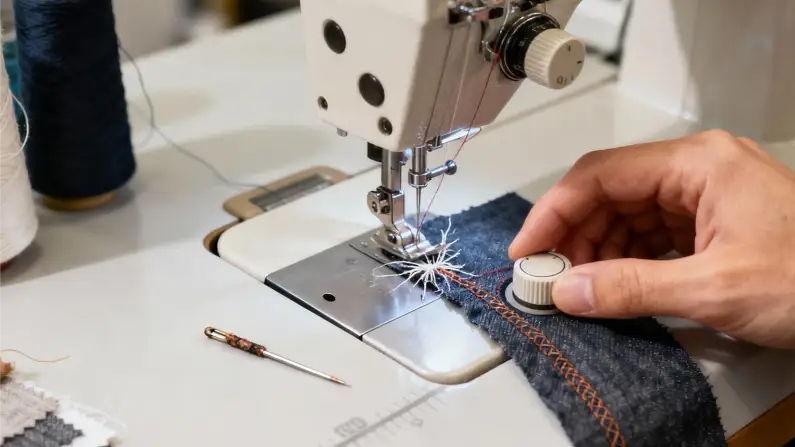
Rethread the Sewing Machine
Incorrect threading is one of the first things to check when a machine produces loose stitches, tangled thread, or repeated thread breaks.
Turn the machine off and follow the threading instructions in your owner’s manual. On many machines, the presser foot should be raised while threading so the upper thread can seat correctly in the tension mechanism.
Check every thread guide and make sure the thread passes through the take-up lever if your machine uses one. Also make sure the spool can rotate freely and that the thread is not catching on the spool or another part of the machine.
After threading, test the machine on a scrap piece of fabric.
If the problem disappears, incorrect threading may have been the cause.
Check the Bobbin
The bobbin is another common source of sewing problems.
Make sure you are using the correct bobbin for your machine. Check that it is wound evenly and installed in the correct direction according to the owner’s manual.
A bobbin that is inserted incorrectly can cause tangled thread, loose stitches, uneven stitching, or problems picking up the bobbin thread.
With the machine switched off, inspect the accessible bobbin area for loose thread and lint. Remove anything that can be safely removed according to your machine’s instructions.
Never force a bobbin into place.
Replace the Needle
A sewing machine needle may look fine even when it is slightly bent, dull, or damaged. A damaged needle can contribute to skipped stitches, broken thread, fabric damage, and unusual noises.
Replace the needle if you suspect it is damaged or has been used for an extended period.
Make sure you choose a needle suitable for the fabric and thread you are using. Lightweight fabric, stretch fabric, denim, and heavier materials can require different needle types or sizes.
Always install the needle according to your machine’s manual.
If the needle repeatedly strikes the presser foot or needle plate, stop sewing immediately and investigate the cause.
Check the Thread Tension
If your stitches look loose or uneven, you may be dealing with a tension problem. However, do not immediately turn the tension dial.
First check the threading, bobbin, needle, thread, and fabric.
If everything appears correct, make a small tension adjustment according to your machine’s instructions. Test the result on scrap fabric before returning to your project.
Change only one setting at a time. This makes it much easier to determine which adjustment helped.
Stitch Troubleshooter recommends avoiding repeated tension adjustments without first checking the basic setup.
Clean Accessible Lint
Lint and small pieces of thread can collect around the bobbin area, feed dogs, and needle plate.
Turn the machine off and unplug it before cleaning. Remove only the parts that your owner’s manual says can be removed by the user.
Use the cleaning brush or other tool recommended by the manufacturer. Avoid pushing lint deeper into the machine and do not use sharp objects to scrape internal components.
Some machines require lubrication while others are designed not to be oiled by the user. Never assume that every sewing machine requires the same maintenance procedure.
Check the Presser Foot and Feed Dogs
If fabric is not moving correctly, check the presser foot and feed-dog settings.
Make sure the presser foot is lowered before regular sewing. If your machine has a feed-dog control, confirm that the feed dogs are raised for ordinary sewing.
Some machines allow the feed dogs to be lowered for free-motion sewing and other special techniques. If they have accidentally been lowered, the fabric may not move normally.
Also check the stitch length and make sure it is appropriate for the project.
Do not pull fabric forcefully through the machine. Allow the feed dogs and presser foot to move the fabric naturally.
Stop When Something Seems Seriously Wrong
Not every sewing machine problem should be fixed at home.
If your machine suddenly makes a grinding noise, produces smoke, smells burnt, develops severe mechanical resistance, or repeatedly jams, stop using it.
Switch the machine off and unplug it.
Do not force the handwheel or open electrical covers unless you are properly qualified to work on the machine.
A qualified sewing machine technician can inspect internal components and determine whether the machine needs repair.
Thread and Tension Problems
Thread problems are among the most common frustrations for home sewers.
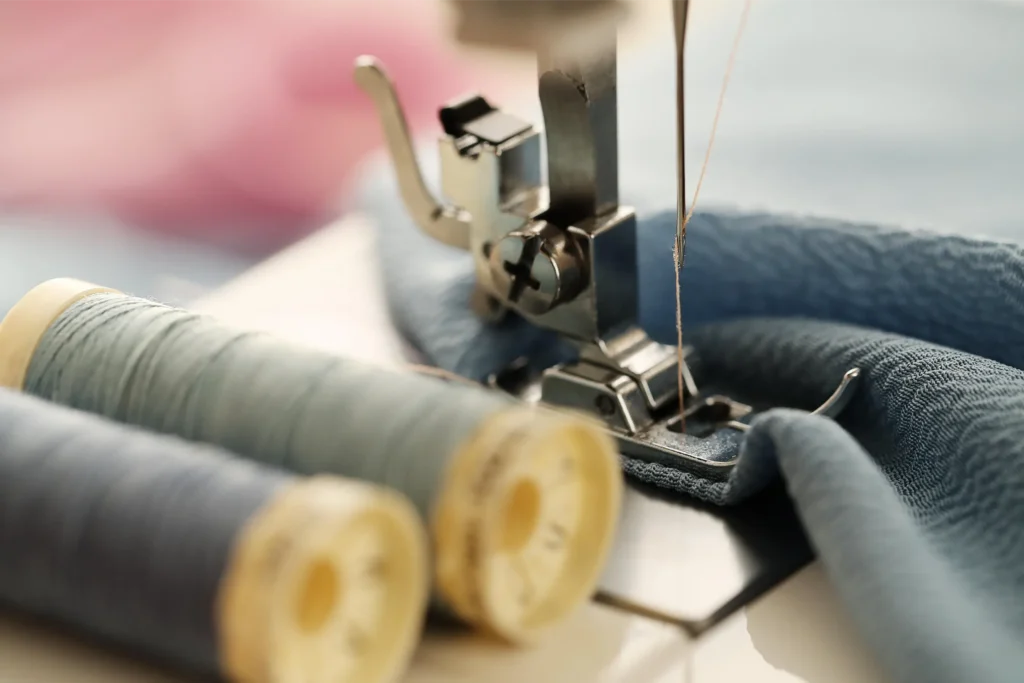
You may see loops underneath your fabric, notice the upper thread breaking repeatedly, or find that the stitches look loose even though you have not changed any settings.
Start with the simple checks.
Rethread the upper thread according to your manual. Check the bobbin and make sure it is correctly installed. Inspect the needle and confirm that it is appropriate for your fabric and thread.
If the basic setup is correct, you can investigate tension settings.
Visit our Thread & Tension Problems section for guides covering thread bunching, thread breaks, loose stitches, bobbin problems, and sewing machine tension.
Stitch Troubleshooter recommends testing changes on scrap fabric before continuing with your main project.
This gives you an opportunity to see whether the adjustment actually improved the stitch quality.
Needle and Stitch Problems
The needle is one of the smallest components on a sewing machine, but it has a major effect on stitch quality.
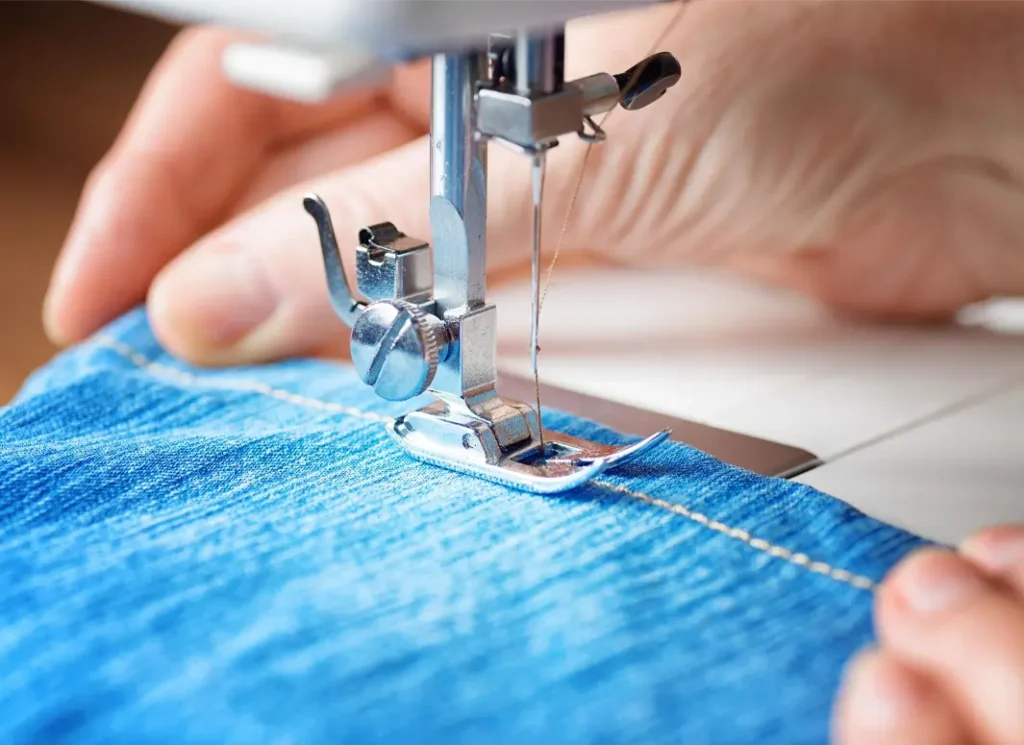
A bent, dull, incorrectly installed, or unsuitable needle can cause:
- Skipped stitches
- Broken thread
- Needle breakage
- Fabric damage
- Uneven stitches
- Unusual sewing sounds
Always switch off the machine before changing the needle.
Check the owner’s manual for the correct needle installation direction. Make sure the needle is fully inserted and securely tightened.
Different fabrics can require different needles. A needle suitable for lightweight cotton may not be the best choice for denim or stretch fabric.
Visit our Needle & Stitch Problems section for additional troubleshooting guides.
If a needle repeatedly strikes the needle plate or presser foot, stop sewing. Continued operation can cause additional damage.
Fabric and Feeding Problems
Fabric feeding problems can be particularly frustrating because the machine may appear to be running normally while the fabric barely moves.
First, make sure the presser foot is lowered.
Next, check the stitch length and feed-dog setting. If your machine allows the feed dogs to be lowered, confirm that they are raised for normal sewing.
Clean accessible lint around the feed-dog area if your manual permits it.
Fabric type can also affect feeding. Lightweight fabrics, slippery materials, stretchy knits, thick denim, and multiple layers can all behave differently.
You may need a different needle, presser foot, stitch length, or sewing technique depending on the material.
Visit our Fabric & Feeding Problems section for more detailed guides.
Never pull the fabric forcefully through the machine. Doing so can damage the needle or affect the machine’s timing.
Sewing Machine Problems and Maintenance
Regular maintenance can help keep a sewing machine working smoothly.
However, maintenance requirements vary significantly between models.
Some machines allow users to clean certain areas and apply oil according to specific instructions. Other machines are designed to require little or no user lubrication.
Always check your owner’s manual before applying oil.
Good sewing machine habits include:
- Covering the machine when it is not being used
- Removing accessible lint regularly
- Replacing damaged needles
- Using appropriate thread
- Keeping the machine away from excessive moisture
- Following the manufacturer’s maintenance instructions
- Having the machine professionally serviced when necessary
Our Machine Problems & Maintenance section will cover cleaning, routine care, common operating problems, and maintenance questions.
Stitch Troubleshooter focuses on safe, practical maintenance rather than encouraging unnecessary disassembly.
Sewing Machine Help for Popular Brands
Sewing machines can differ in their threading paths, bobbin systems, needle installation, stitch controls, and maintenance needs. Instructions that apply to one model may not be right for another, even within the same brand.
When troubleshooting, find the exact model number on your machine and check the official manual for the correct instructions. Manufacturer resources are especially useful for diagrams, threading instructions, compatible accessories, and service guidance. You can start with the official websites of Singer, Brother USA, and Janome.
These official resources should be your primary reference whenever a troubleshooting step depends on your exact model.
Stitch Troubleshooter provides general educational information, but the manufacturer’s instructions should always take priority for model-specific procedures.
Sewing Tips for Beginners
Learning to sew takes time and practice.
Your first projects may not look perfect. You may experience uneven seams, tangled thread, broken needles, or fabric that does not behave the way you expected.
That is completely normal.
Start with simple projects and fabrics that are easy to handle. Practice straight seams on scraps before moving on to curves, zippers, buttonholes, heavy fabrics, or complicated patterns.
Learn the basic controls on your machine, including:
- How to thread the upper thread
- How to wind and install the bobbin
- How to change the needle
- How to select a stitch
- How to adjust stitch length
- How to raise and lower the presser foot
- How to reverse the stitching
When something goes wrong, avoid changing several things at once.
For example, if the thread starts bunching, rethread the machine and test it before adjusting tension. If stitches are skipping, check the needle before changing multiple machine settings.
This simple approach makes troubleshooting easier.
Stitch Troubleshooter is designed to help beginners understand these basic checks without making sewing machine maintenance unnecessarily complicated.
Sewing Machine Guides and Buying Advice
Choosing a sewing machine can be confusing, especially when different models advertise dozens of features.
The right machine depends on what you want to sew.
A person who mainly repairs clothing may have different requirements from someone who makes quilts, garments, curtains, bags, or home décor.
Before buying a sewing machine, consider:
- The types of projects you plan to make
- The fabrics you normally use
- Available stitch options
- Ease of threading
- Bobbin system
- Included presser feet
- Machine speed control
- Warranty and support
- Availability of replacement parts
- Your overall budget
Don’t choose a machine simply because it has the longest feature list.
Consider whether those features are actually useful for your projects.
Future Stitch Troubleshooter buying guides will help readers understand sewing machine features and compare options based on practical needs.
Find the Right Stitch Troubleshooter Guide
The easiest way to start troubleshooting is to identify the exact symptom.
If your thread is tangled, look at the thread and tension guides.
If your needle keeps breaking, check the needle and stitch information.
If the fabric will not move, start with fabric and feeding problems.
If your machine is making unusual noises or needs cleaning, look at machine maintenance.
Practical Advice From Stitch Troubleshooter
Stitch Troubleshooter is built around a simple idea: start with the most likely and easiest things to check before assuming that a machine needs an expensive repair.
A problem with thread may be related to threading.
A problem with stitches may be related to the needle.
A feeding problem may be related to the presser foot or feed dogs.
A machine that suddenly stops working correctly may need more careful inspection.
By approaching each symptom step by step, you can often identify whether the issue is something simple or something that requires professional attention.
Always test adjustments on scrap fabric whenever possible.
When to Call a Sewing Machine Technician
Basic troubleshooting can help with many everyday problems, but there are situations where professional service is the safer choice.
Contact a qualified technician if you experience:
- Electrical problems
- Smoke
- Burning smells
- Severe mechanical resistance
- Repeated needle strikes
- Persistent jams
- Suspected timing problems
- Damaged internal components
- Problems that continue after basic troubleshooting
Do not remove electrical covers or attempt complex internal repairs unless you have the appropriate knowledge and training.
If the handwheel is stuck, do not force it.
If the machine suddenly makes a grinding sound, stop using it.
Safety should always come before finishing a sewing project.
Stitch Troubleshooter provides troubleshooting information to help you understand possible causes, not to replace professional repair services.
About Stitch Troubleshooter
Stitch Troubleshooter is a sewing information website focused on helping home sewers understand common sewing machine problems.
The website covers troubleshooting, maintenance, sewing tips, machine guides, and practical information for beginners and experienced sewers.
Our goal is to explain sewing machine problems in straightforward language and give readers useful first steps.
We also recognize that every sewing machine is different.
Model-specific instructions should always be checked against the owner’s manual. When professional service is necessary, readers should use a qualified sewing machine technician.
As the website grows, Stitch Troubleshooter will publish more detailed guides covering individual sewing machine problems, popular brands, different fabrics, maintenance questions, and buying advice.
FAQs About Sewing Machine Problems
Why is my sewing machine thread bunching underneath the fabric?
Thread bunching underneath the fabric can be caused by incorrect upper threading, bobbin installation, tension settings, or other setup issues. Turn off the machine and rethread it carefully according to the owner’s manual. Check the bobbin and inspect the accessible bobbin area for loose thread or lint.
Why does my sewing machine thread keep breaking?
Check the threading path, needle, spool, and thread guides. A damaged or unsuitable needle can also contribute to thread breaks. Make sure the thread and needle are appropriate for your fabric. If the problem continues, consult your machine’s manual.
How do I fix sewing machine tension problems?
Start by checking the upper threading and bobbin installation. Make sure the needle is suitable for the fabric and thread. If everything is correctly installed, make small tension adjustments and test each change on scrap fabric.
Why is my sewing machine skipping stitches?
A bent, dull, incorrectly installed, or unsuitable needle is one possible cause. Replace the needle if necessary and check the thread and fabric combination. If skipped stitches continue, consult the manual or a qualified technician.
Why does my sewing machine needle keep breaking?
The needle may be bent, incorrectly installed, unsuitable for the fabric, or contacting the presser foot or needle plate. Stop sewing and check the needle and stitch settings. If the needle continues to strike machine parts, stop using the machine until the cause is identified.
Why won’t my sewing machine pick up the bobbin thread?
Check the upper threading, bobbin installation, and needle position. Follow the bobbin-thread pickup instructions in your manual. If the machine still cannot pick up the bobbin thread, it may require professional diagnosis.
Why is my sewing machine not feeding fabric?
Check that the presser foot is lowered and the feed dogs are raised for normal sewing. Check the stitch length and clean accessible lint according to the manufacturer’s instructions. Avoid pulling the fabric through the machine.
How can I stop fabric from puckering while sewing?
Puckering can be caused by thread tension, needle choice, stitch length, fabric handling, or unsuitable thread. Test different settings on scrap fabric and make sure the needle is suitable for the material.
Why does my sewing machine keep jamming?
Thread tangles, incorrect bobbin installation, lint, or a damaged needle can contribute to jams. Switch off and unplug the machine before checking accessible areas. If the handwheel is stuck or the machine makes unusual noises, do not force it.
Why is my sewing machine handwheel stuck?
A stuck handwheel may be caused by tangled thread or a mechanical problem. Turn the machine off and unplug it. Check for accessible thread tangles according to the manual, but do not force the handwheel or dismantle internal components.
How often should I clean my sewing machine?
Cleaning frequency depends on how often you sew and your particular machine. Follow the manufacturer’s maintenance instructions and remove accessible lint as recommended. Do not oil the machine unless the manufacturer specifically instructs you to do so.
Get Back to Sewing With Stitch Troubleshooter
A sewing machine problem does not always mean that something expensive has broken.
Sometimes the solution is as simple as rethreading the machine, replacing a damaged needle, reinstalling the bobbin correctly, or cleaning accessible lint.
Other problems require more careful diagnosis or professional service.
The important thing is to avoid guessing and changing multiple settings at once.
Use Stitch Troubleshooter to identify the symptom, work through the basic checks, and find the information that applies to your machine.
Explore our troubleshooting guides, learn more about sewing machine maintenance, and build your confidence one project at a time.
Stitch Troubleshooter is here to help you spend less time wondering what went wrong and more time enjoying your sewing.